


Accepting credit card payments is no longer optional for small businesses it’s expected. Whether you run a brick-and-mortar shop, an eCommerce store, or a service-based business, the payment processor you choose directly impacts your bottom line, your customer experience, and your cash flow.
With dozens of options on the market, choosing the right one can feel overwhelming. We’ve done the research so you don’t have to.
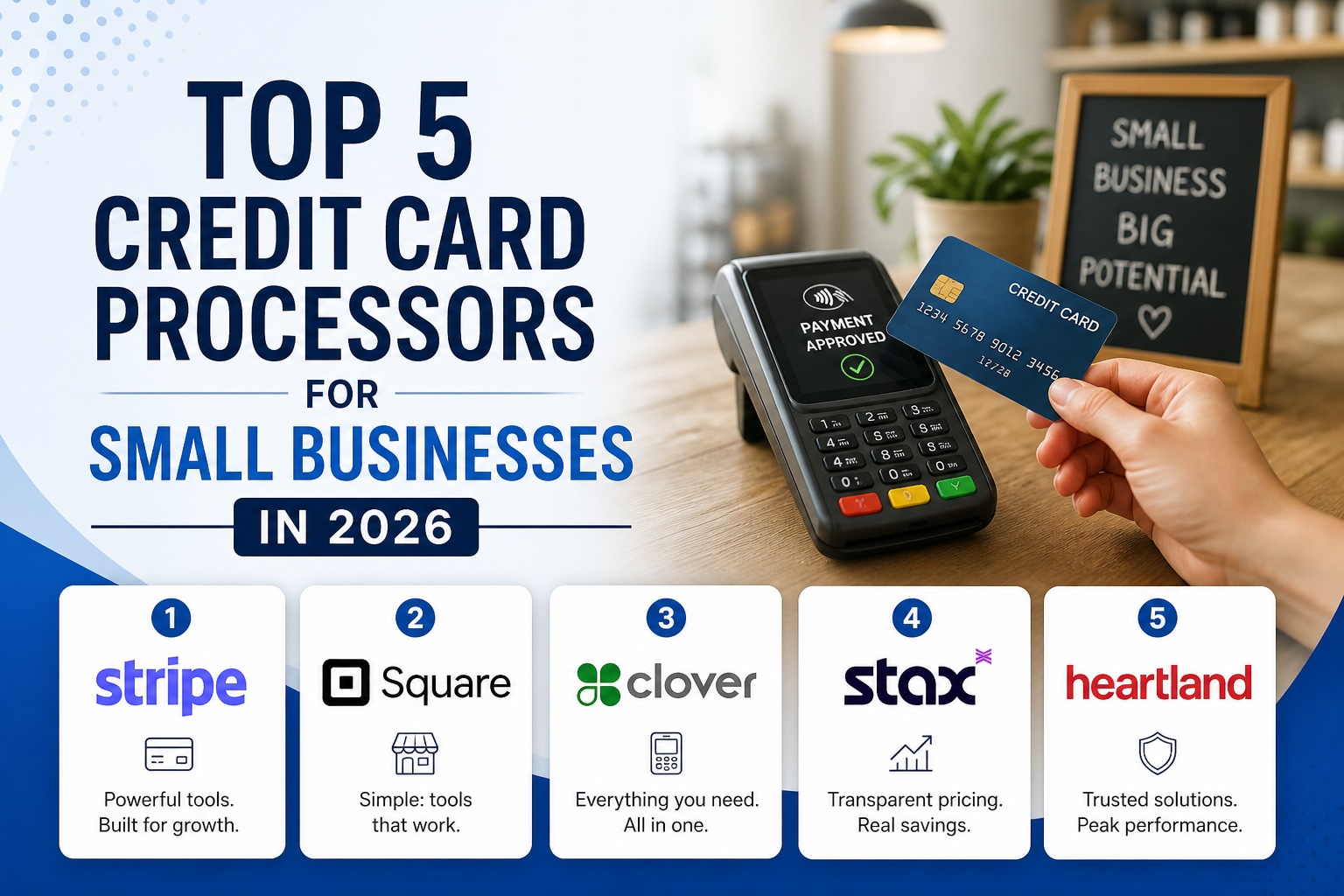
Here are the top 5 credit card processors for small businesses in 2026, broken down by fees, features, and who they’re best suited for.
What to Look For in a Credit Card Processor
Before diving into our picks, here’s what matters most when evaluating a payment processor for your small business:
- Processing fees: Look at the per-transaction rate AND any monthly fees the combination matters.
- Hardware costs: Does the processor require expensive POS hardware, or can you use your phone?
- Payout speed: How quickly does the money hit your bank account?
- Contract terms: Avoid long-term contracts with early termination fees when possible.
- Integrations: Does it connect with your website, accounting software, and eCommerce platform?
1. Square – Best Overall for Small Businesses
Website: squareup.com
Square remains one of the most popular and beginner-friendly payment processors for small businesses and for good reason. With no monthly fees, transparent flat-rate pricing, and a free card reader to get started, it’s hard to beat for most SMBs.
Key Features
- Flat-rate pricing: 2.6% + 10¢ per in-person transaction
- Free magstripe card reader included
- Built-in POS system with inventory management
- Next-business-day deposits (instant transfer available for a fee)
- Strong eCommerce integration with Square Online
- Free tier available with no monthly fee
Best For
Retail shops, restaurants, food trucks, and service businesses getting started with card payments. Also excellent for businesses that want an all-in-one POS + payment solution.
Watch Out For
Square’s flat-rate pricing is convenient but can be more expensive than interchange-plus pricing at higher sales volumes (generally above $10,000/month). Account stability issues have also been reported by some high-risk businesses.
2. Stripe – Best for eCommerce & Online Payments
Website: stripe.com
If you’re running an online store or a subscription-based business, Stripe is widely considered the gold standard. It’s developer-friendly, highly customizable, and supports payments in 135+ currencies making it ideal for businesses with global ambitions.
Key Features
- 2.9% + 30¢ per online transaction (no monthly fee)
- Supports 135+ currencies and international payments
- Powerful APIs for custom checkout experiences
- Built-in subscription and recurring billing tools
- Integrates with Shopify, WooCommerce, QuickBooks, and hundreds more
- Advanced fraud protection with Stripe Radar
Best For
eCommerce businesses, SaaS companies, and any small business selling online that wants maximum flexibility and customization.
Watch Out For
Stripe is less plug-and-play than Square for in-person retail you’ll need a compatible POS setup. It’s also more technical to set up without developer help, though Stripe’s no-code tools have improved significantly.
3. PayPal / Venmo for Business – Best for Freelancers & Service Businesses
Website: paypal.com/us/business
PayPal needs no introduction it’s one of the most recognized payment brands in the world, and that brand recognition can actually increase customer trust and conversion rates. For freelancers, consultants, and service providers, PayPal remains a go-to option.
Key Features
- 2.99% per transaction for invoices and payments (no monthly fee for basic)
- Widely recognized brand that customers already trust
- Venmo for Business integration (great for younger demographics)
- PayPal Here card reader for in-person payments
- Simple invoicing tools built in
- Pay Later / Buy Now options for customers
Best For
Freelancers, consultants, photographers, and service providers who invoice clients regularly. Also great for businesses that already have a strong existing customer base familiar with PayPal.
Watch Out For
PayPal’s fees can add up quickly, and fund holds are a known pain point for newer accounts. It’s not the best choice as a primary processor for high-volume retail businesses.
4. Clover – Best for Restaurants & Retail with Advanced POS Needs
Website: clover.com
Clover offers one of the most robust POS ecosystems available for small businesses that need more than just a card reader. With a range of hardware options and a rich app marketplace, it’s particularly popular in the restaurant and retail industries.
Key Features
- Processing rates starting at 2.3% + 10¢ (vary by plan)
- Full POS hardware lineup: countertop, handheld, and mini terminals
- App marketplace with 300+ integrations
- Employee management, time tracking, and tip management
- Built-in loyalty and gift card programs
- Detailed sales reporting and analytics
Best For
Restaurants, cafes, bars, and retail stores that need a full-featured POS system alongside payment processing.
Watch Out For
Clover hardware can be expensive upfront ($500–$1,500+ depending on setup), and you’re often locked into a specific payment processor depending on where you purchase. Always clarify contract terms before signing.
5. Helcim – Best for Growing Businesses Wanting Lower Fees
Website: helcim.com
Helcim is a lesser-known gem that deserves far more attention from small business owners. It uses interchange-plus pricing the most transparent pricing model in the industry and automatically lowers your rates as your volume grows. No monthly fees, no contracts, no surprises.
Key Features
- Interchange-plus pricing (typically ~0.4% + 8¢ above interchange for in-person)
- Automatic volume discounts rates drop as revenue grows
- No monthly fee, no contracts, no cancellation fees
- Free card reader and POS app
- Full-featured invoicing and online payment tools
- Excellent customer support with real humans
Best For
Established small businesses processing $5,000+ per month that are tired of paying flat-rate fees and want to optimize their payment costs. Also great for businesses that value transparent, honest pricing.
Watch Out For
Helcim’s interchange-plus model is slightly more complex to understand than flat-rate pricing your effective rate varies by card type. It’s also less widely known, so some customers may not recognize the brand on their statements.
Quick Comparison: Which Processor Is Right for You?
Here’s a simple breakdown to help you decide:
- Just getting started / low volume: Square – simple, free to start, great all-in-one.
- Selling primarily online: Stripe – unmatched flexibility for eCommerce.
- Freelancer or service provider: PayPal – easy invoicing, trusted brand.
- Restaurant or full-service retail: Clover – robust POS with all the features.
- Growing business focused on minimizing fees: Helcim – best long-term value.
A Few Final Tips Before You Decide
- Always calculate your effective rate based on your actual sales mix don’t just compare headline rates.
- Test customer support before committing call or chat with each provider and see how responsive they are.
- Check for PCI compliance support your processor should help you stay compliant, not leave you to figure it out alone.
- Read the fine print on fund holds and reserves, especially if you’re in a higher-risk industry.
Need Help Setting Up Payments on Your Website?
Choosing the right payment processor is just one piece of the puzzle. If your website isn’t set up to convert visitors into paying customers, you’re leaving money on the table. At Anbu Digital, we build high-converting small business websites with seamless payment integration, clear calls to action, and SEO built in from day one.
Ready to talk? Get in touch with the Anbu Digital team today we’d love to help your business grow online.